Stop 5 of 7
Build steps, with photos
Tick off each step as your team finishes it, and add photos from the site.
For vendors
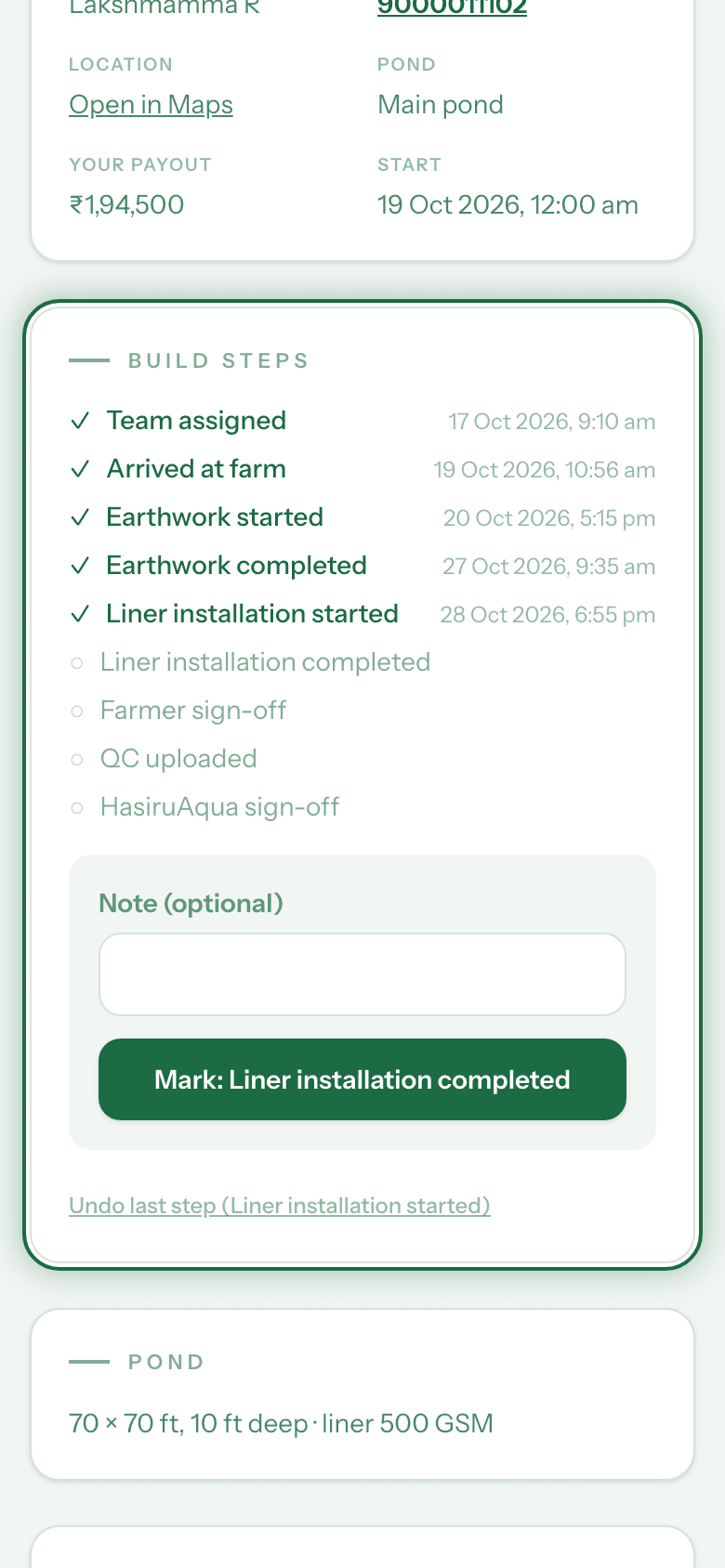
What to say: "As your team works, tick off each step with its Mark button, here Mark: Liner installation completed, and add photos from the site under Photos. HasiruAqua sees both on its side at once."
Tapped the wrong step? Undo last step takes it back.
More in this tour
- A lead arrivesA new job near you shows up under New, with the village and the pond size.
- Send your quoteSee the pond, work out a price at your own rates, and send your quote.
- Waiting for the green lightYour quote waits under Quoted, and you can change it until HasiruAqua decides.
- The green lightThe job is yours, and the farmer's details and your payout appear.
- Sign-offThe farmer checks the pond, you upload the QC photo, and HasiruAqua signs off.
- Seed and other ordersHatcheries and other suppliers get their orders the same way.
Was this the right page? Back to help home