One order, step by step
Open an order to see each step with its date, and which farmer's pond each unit went on.
On My orders, tap an order.
The top shows what you ordered, how many units are installed and live, the order's label and its price.
Progress lists every step of the order:
- a tick (✓) is done, with the date it was reached;
- a dot (●) marked Now is where the order is;
- a circle (○) is still to come.
The steps are Enquiry & requirement, Quote & agreement, Payment received, Dispatched, Delivered / installed, Proof uploaded and HasiruAqua sign-off. If an order is cancelled, the step it stopped at is marked ✕ Stopped here.
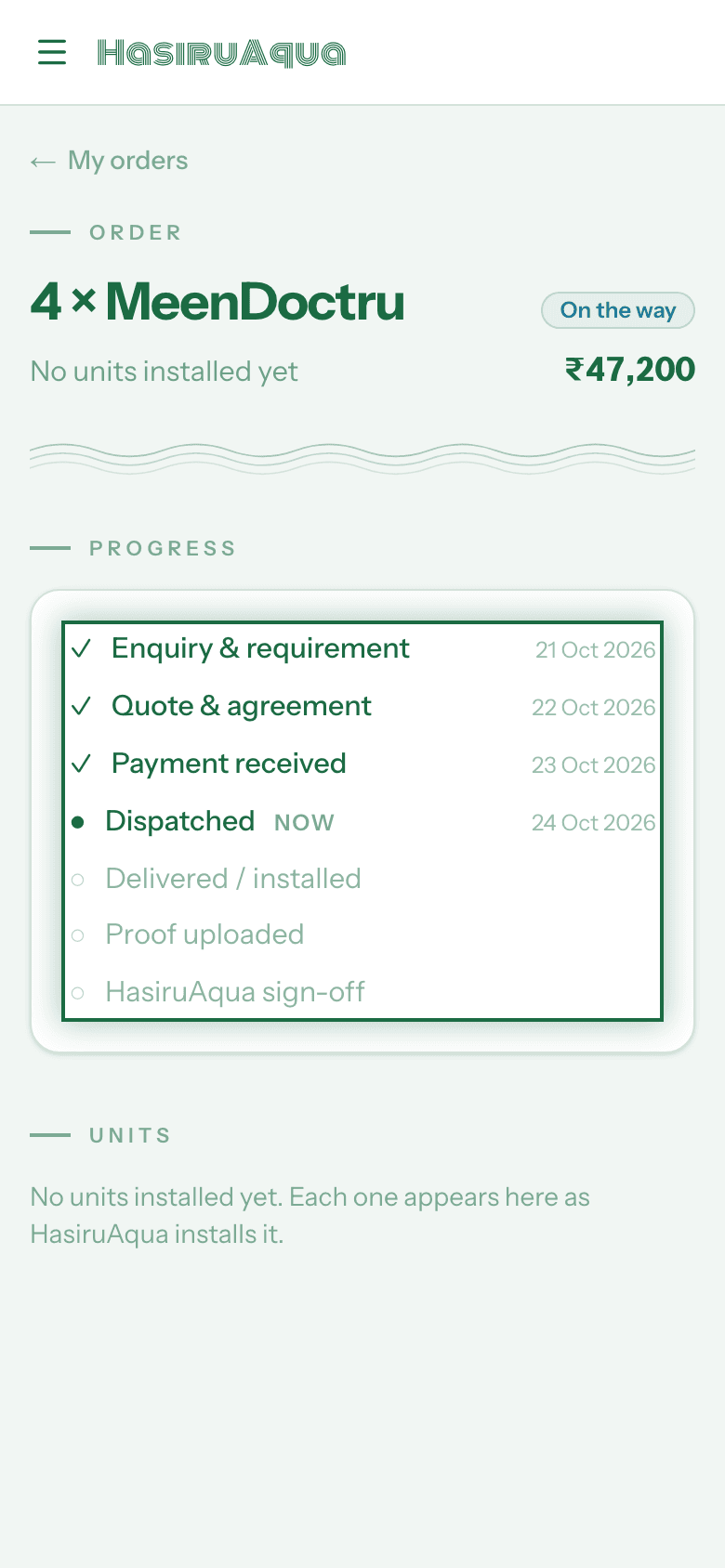
Units lists each unit as HasiruAqua installs it: the farmer, their village and pond, the unit's ID, and Covered until, the date its cover ends. Until the first one goes in, it says "No units installed yet. Each one appears here as HasiruAqua installs it."
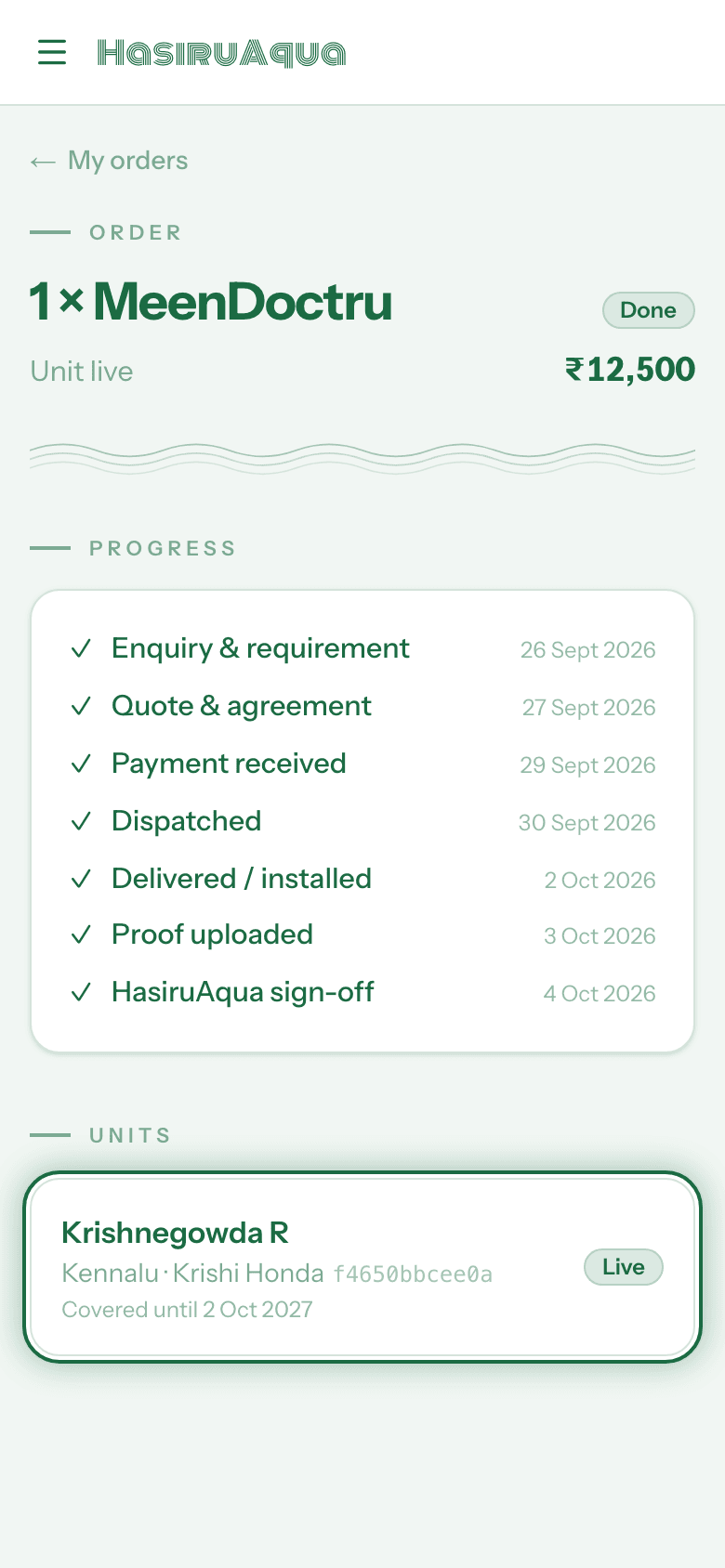
Each unit's label says how it is:
- Live: it's sending readings.
- Installed: it's on the pond but hasn't sent a reading yet.
- Replaced: HasiruAqua swapped it for a new unit.
- Out of service: it's faulty, or has been taken out of use.
You don't see the readings themselves. They belong to each farmer, who sees them in their own app.
If something looks wrong
- A unit stays on Installed. It hasn't sent a reading yet. Ask the farmer to check it's switched on and its solar panel is in the sun, or call HasiruAqua.
- A unit says Out of service. Call HasiruAqua about a replacement.
More for buyers
Was this the right page? Back to help home