Signing in as a buyer
Sign in with Google, using the Gmail address you gave HasiruAqua.
For buyers
You sign in with the Gmail address you gave HasiruAqua when you set up your account. The app only lets in addresses HasiruAqua has added.
Open os.hasiruaqua.com.
Tap Sign in with Google. The screen says "Operations console" at the top. It's the same sign-in screen for everyone, so carry on.
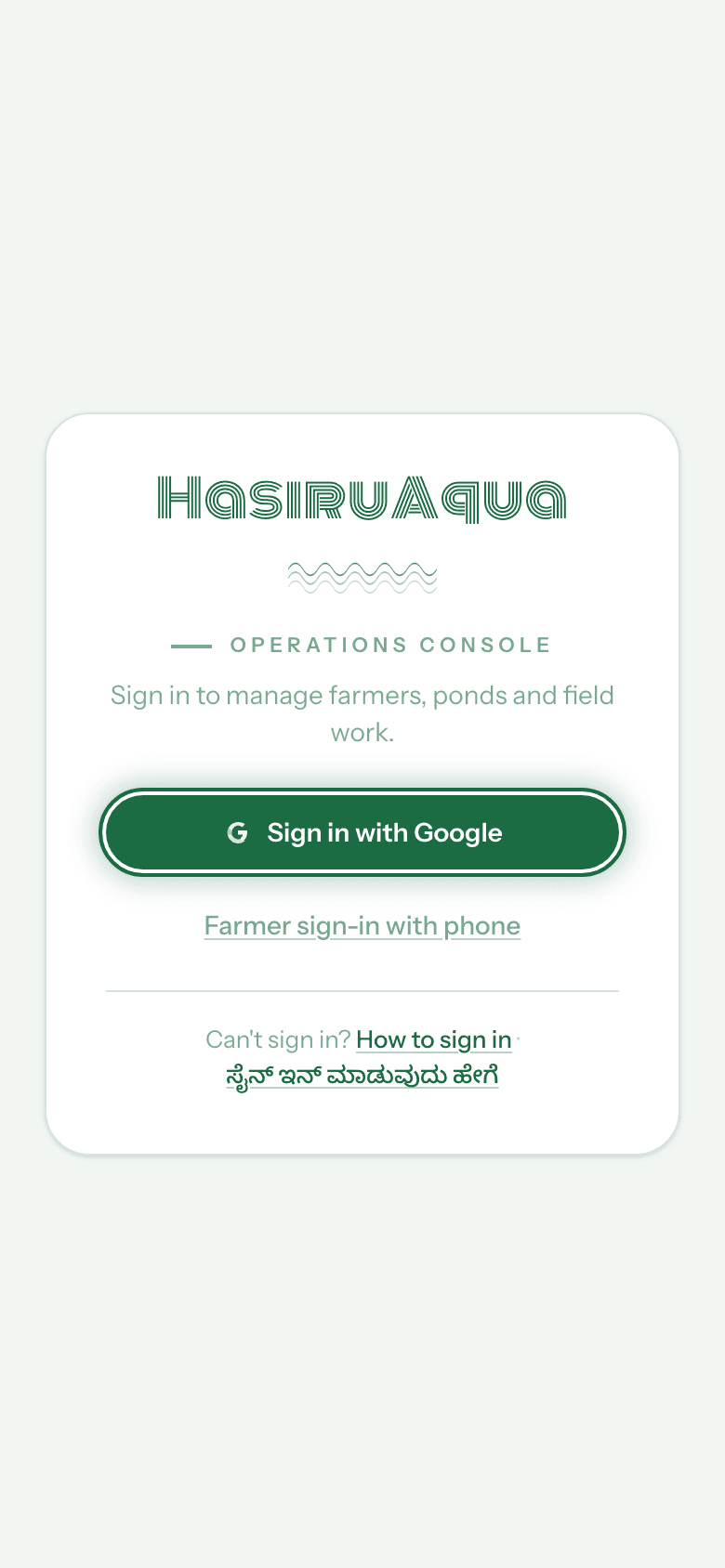
Pick your Gmail account. Google may say you're continuing to an address ending in supabase.co. That's the service HasiruAqua uses for sign-in, so it's safe to go on.
You land on My orders: your orders from HasiruAqua, with your business's name at the top.
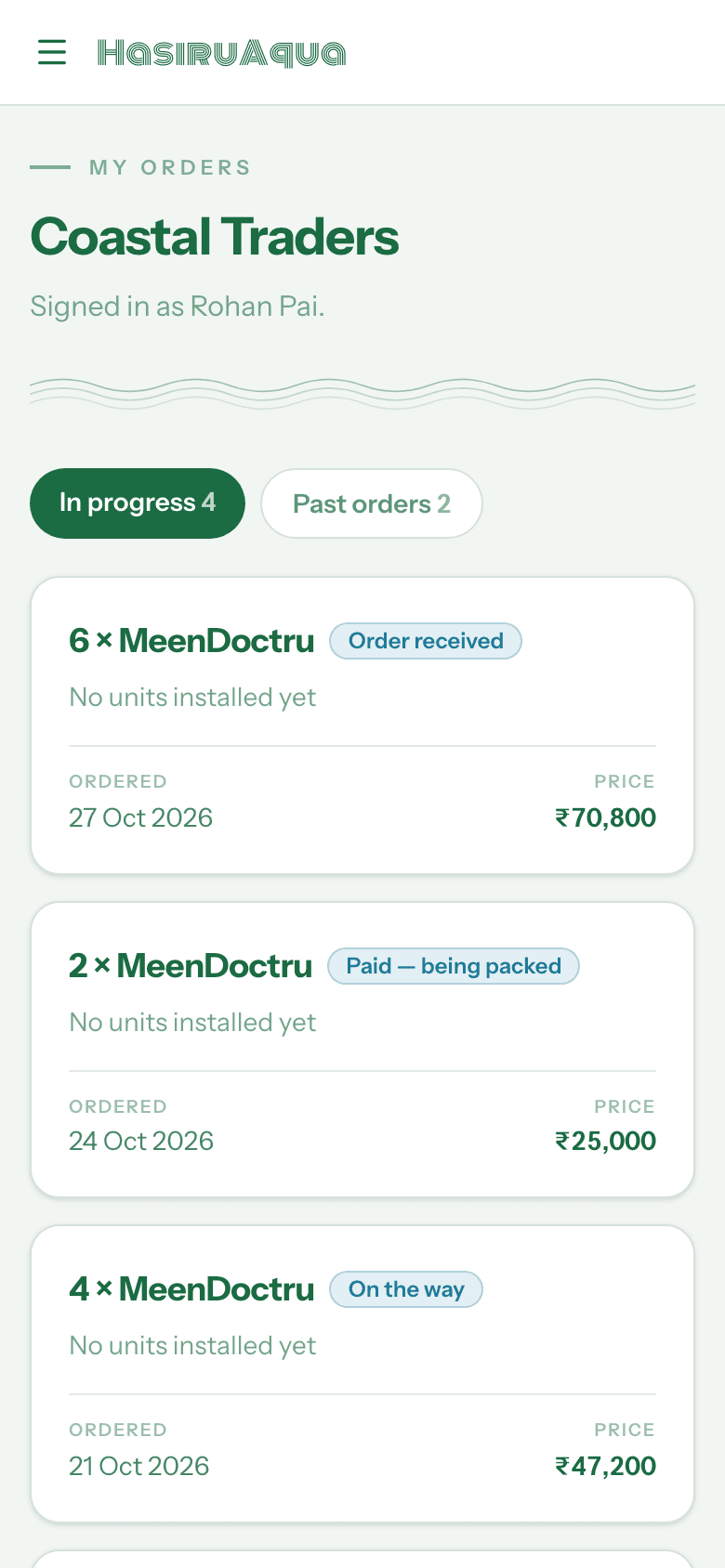
Don't use Farmer sign-in with phone. Phone sign-in isn't open yet.
If it doesn't work
- It says "Access pending". The Gmail you used isn't on HasiruAqua's list. Call your HasiruAqua contact with the exact address, then sign in again once they've added it.
- It says "Sign-in failed. Please try again." Tap Sign in with Google again. If it keeps failing, check your internet, then call HasiruAqua.
- You see My farm instead of My orders. Your sign-in is set up as a farmer's. Call HasiruAqua to set it up as a buyer.
- You have more than one Gmail. Pick the one you gave HasiruAqua. To change, open the menu (☰, top left on a phone), tap Sign out and sign in again.
More for buyers
Was this the right page? Back to help home