Your Bandhu home
The one big button to register a farmer, this month's numbers, and the bar at the bottom.
For Bandhus
Your home is the first screen after you sign in. Most labels are in English and Kannada. A few are in English only, such as Show, Hide, Open page and the line asking for your UPI ID.
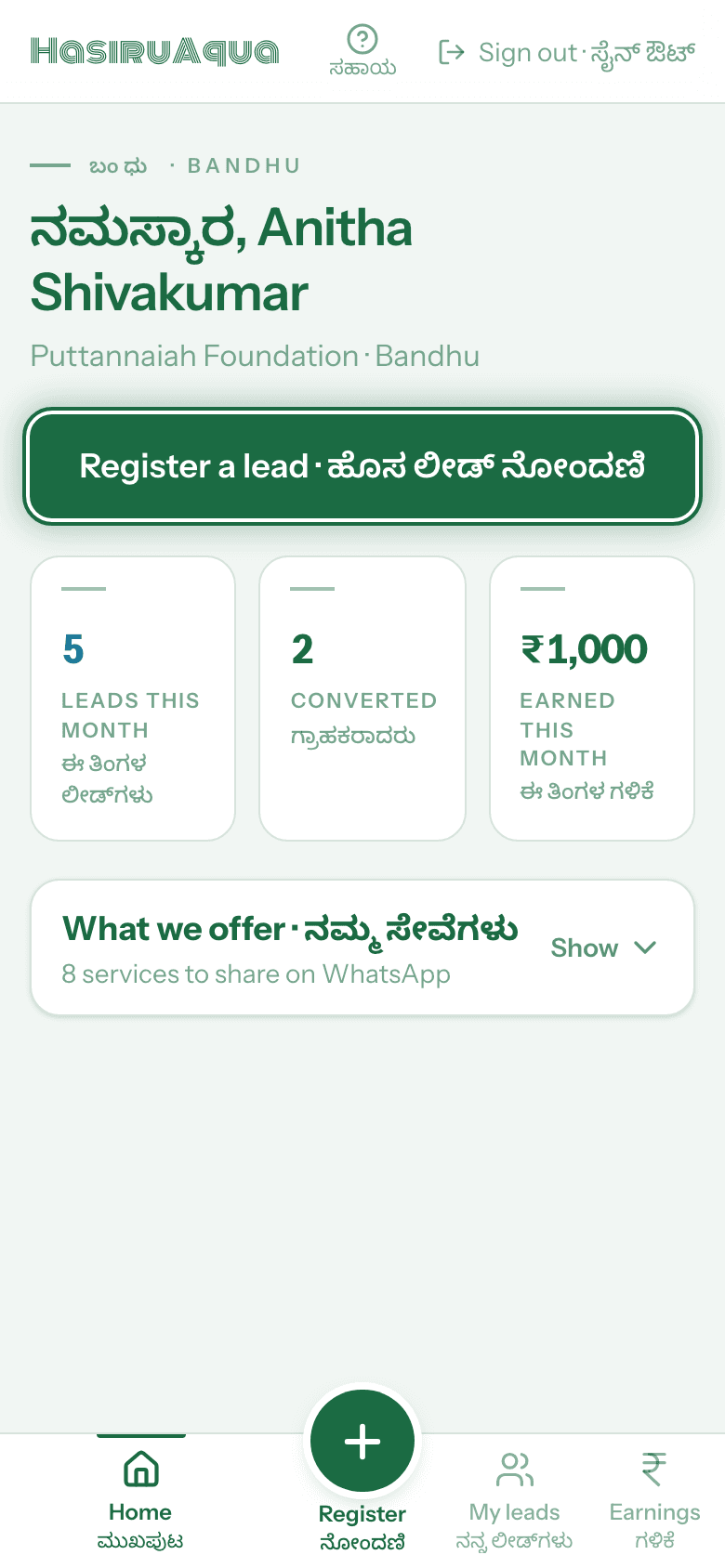
- Register a lead · ಹೊಸ ಲೀಡ್ ನೋಂದಣಿ is the big button. Tap it when a farmer wants to hear from HasiruAqua. See Register a farmer.
- Leads this month · ಈ ತಿಂಗಳ ಲೀಡ್ಗಳು: how many farmers you've registered this month.
- Converted · ಗ್ರಾಹಕರಾದರು: how many of your farmers have become HasiruAqua customers.
- Earned this month · ಈ ತಿಂಗಳ ಗಳಿಕೆ: what you've earned this month. It shows once HasiruAqua has set your pay.
- Add your UPI ID so we can pay you → shows if HasiruAqua doesn't have your payment details yet. See Your payment details.
- What we offer · ನಮ್ಮ ಸೇವೆಗಳು opens the eight services you can share on WhatsApp. See Share what HasiruAqua offers.
Tap a number to open the leads or the earnings behind it.
The bar at the bottom
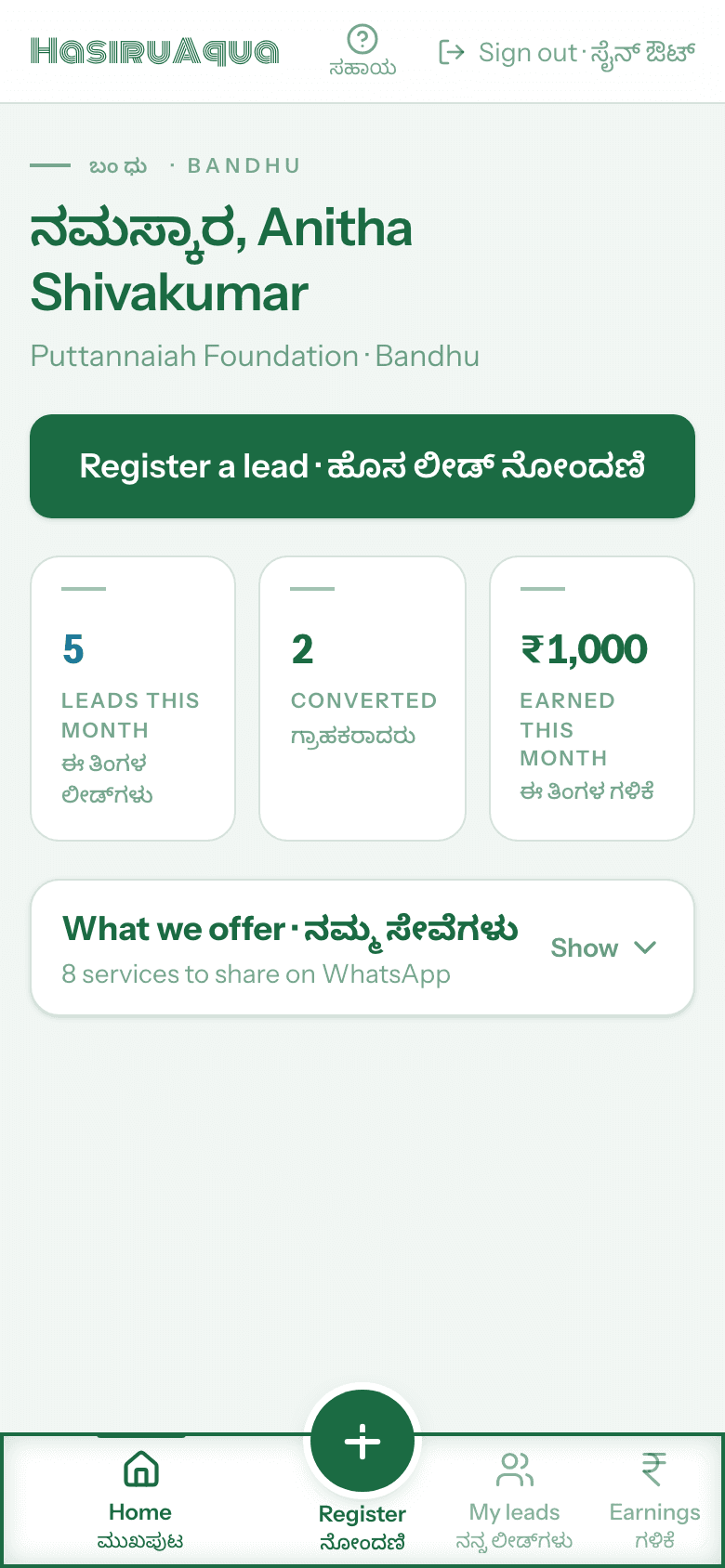
- Home · ಮುಖಪುಟ: back to this screen.
- Register · ನೋಂದಣಿ (the round + in the middle): register a farmer.
- My leads · ನನ್ನ ಲೀಡ್ಗಳು: every farmer you've registered, and where each one is. See My leads.
- Earnings · ಗಳಿಕೆ: what you've earned and been paid. See My earnings. It shows once HasiruAqua has set your pay.
At the top of the screen, ಸಹಾಯ (the question mark) opens the help page for the screen you're on, and Sign out · ಸೈನ್ ಔಟ್ signs you out.
If something looks wrong
- It says "Your Bandhu account is paused". You can't register leads for now. Call HasiruAqua.
- There's no Earnings on the bar. HasiruAqua hasn't set your pay yet. Call them to ask.
More for bandhus
- Signing in as a BandhuSign in with Google, using the Gmail address you gave HasiruAqua.
- Register a farmerAdd a farmer who wants to hear from HasiruAqua. Only the name, mobile number and what they want are needed.
- My leads, and what each status meansEvery farmer you've registered, newest first, and where each one is with HasiruAqua.
- Share what HasiruAqua offersSend farmers HasiruAqua's services on WhatsApp, each with a link to its page.
- My earningsHow you're paid, what's due, what's been paid, and what you've earned this month.
- Your payment detailsAdd or change the UPI ID or bank account HasiruAqua pays you into.
Was this the right page? Back to help home