Signing in as a Bandhu
Sign in with Google, using the Gmail address you gave HasiruAqua.
For Bandhus
You sign in with the Gmail address you gave HasiruAqua when you became a Bandhu. The app only lets in addresses HasiruAqua has added.
Open os.hasiruaqua.com on your phone.
Tap Sign in with Google. The screen says "Operations console" at the top. It's the same sign-in screen for everyone, so carry on.
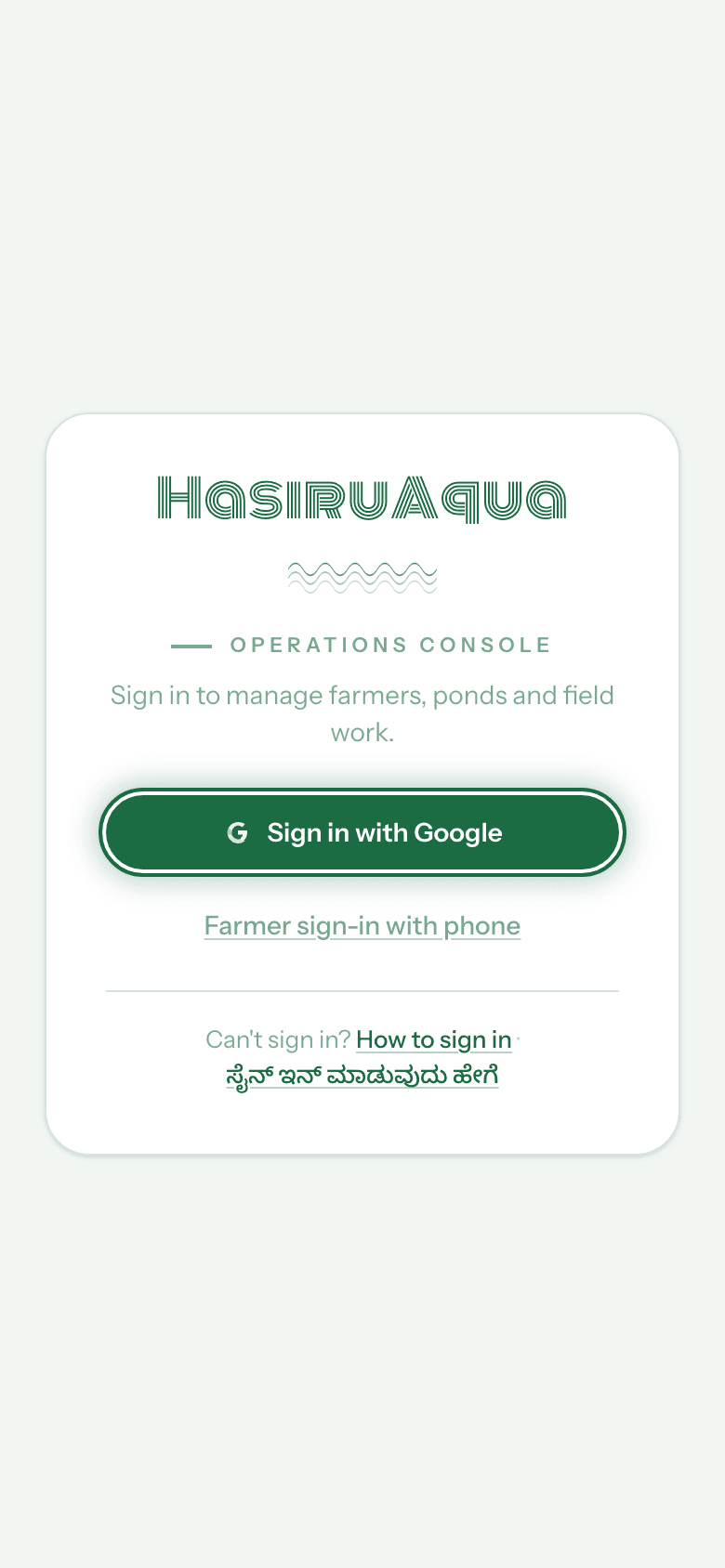
Pick your Gmail account. Google may say you're continuing to an address ending in supabase.co. That's the service HasiruAqua uses for sign-in, so it's safe to go on.
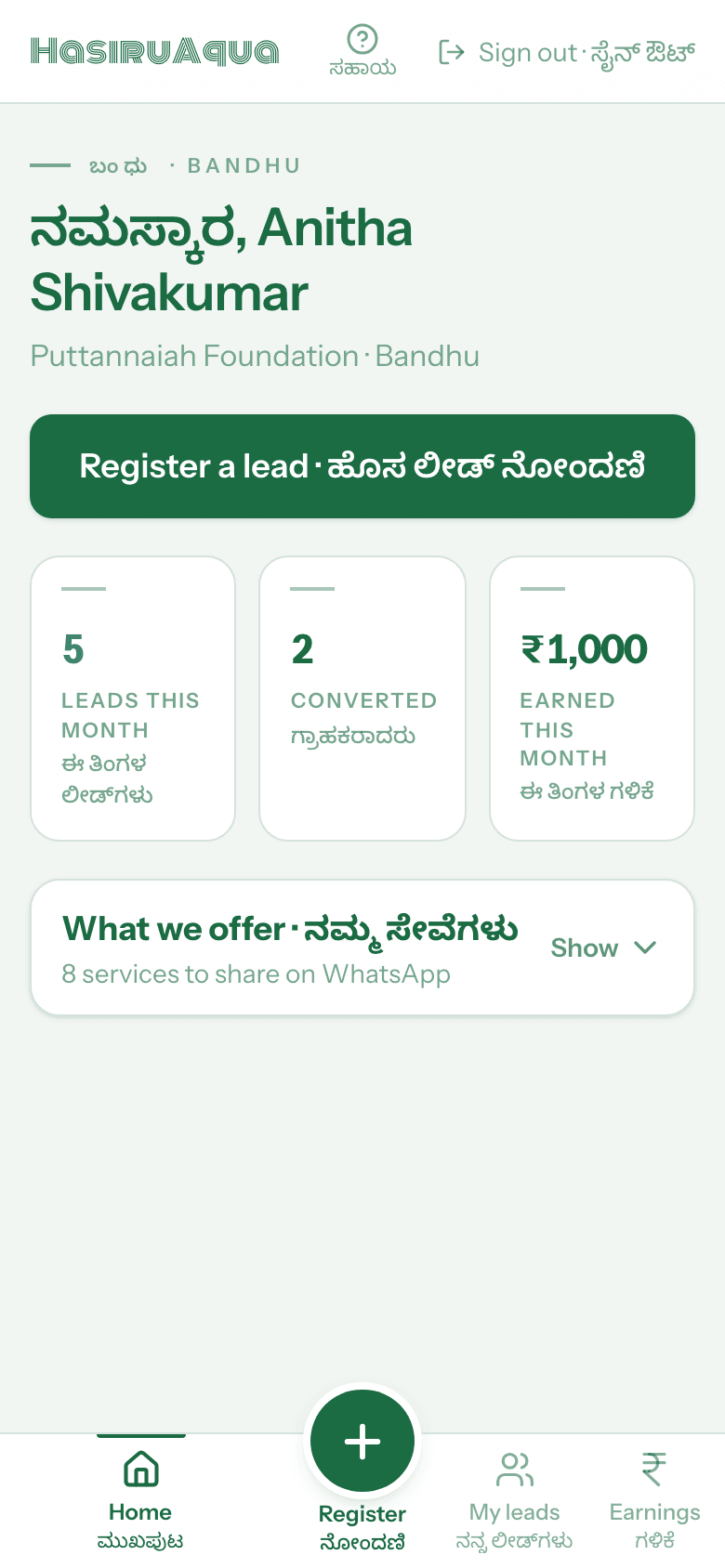
You land on your Bandhu home, which greets you: ನಮಸ್ಕಾರ, then your name.
Don't use Farmer sign-in with phone. Phone sign-in isn't open yet.
If it doesn't work
- It says "Access pending". The Gmail you used isn't on HasiruAqua's list. Call your HasiruAqua contact with the exact address, then sign in again once they've added it.
- It says "Sign-in failed. Please try again." Tap Sign in with Google again. If it keeps failing, check your internet, then call HasiruAqua.
- It says your Bandhu account is paused. You can't register new leads until HasiruAqua turns it back on. Call HasiruAqua.
- You have more than one Gmail. Pick the one you gave HasiruAqua. To change, tap Sign out · ಸೈನ್ ಔಟ್ at the top right and sign in again.
More for bandhus
- Your Bandhu homeThe one big button to register a farmer, this month's numbers, and the bar at the bottom.
- Register a farmerAdd a farmer who wants to hear from HasiruAqua. Only the name, mobile number and what they want are needed.
- My leads, and what each status meansEvery farmer you've registered, newest first, and where each one is with HasiruAqua.
- Share what HasiruAqua offersSend farmers HasiruAqua's services on WhatsApp, each with a link to its page.
- My earningsHow you're paid, what's due, what's been paid, and what you've earned this month.
- Your payment detailsAdd or change the UPI ID or bank account HasiruAqua pays you into.
Was this the right page? Back to help home