A pond and its sensor
Open a pond to see its MeenDoctru readings, any alerts, and the fish in it.
Each pond has its own page. On My farm, tap the pond's name to open it. Under the name you see the pond's label, its size in acres and how many sensors it has.
Pond health: the sensor's readings
Pond health shows each MeenDoctru sensor on the pond, with its latest reading.
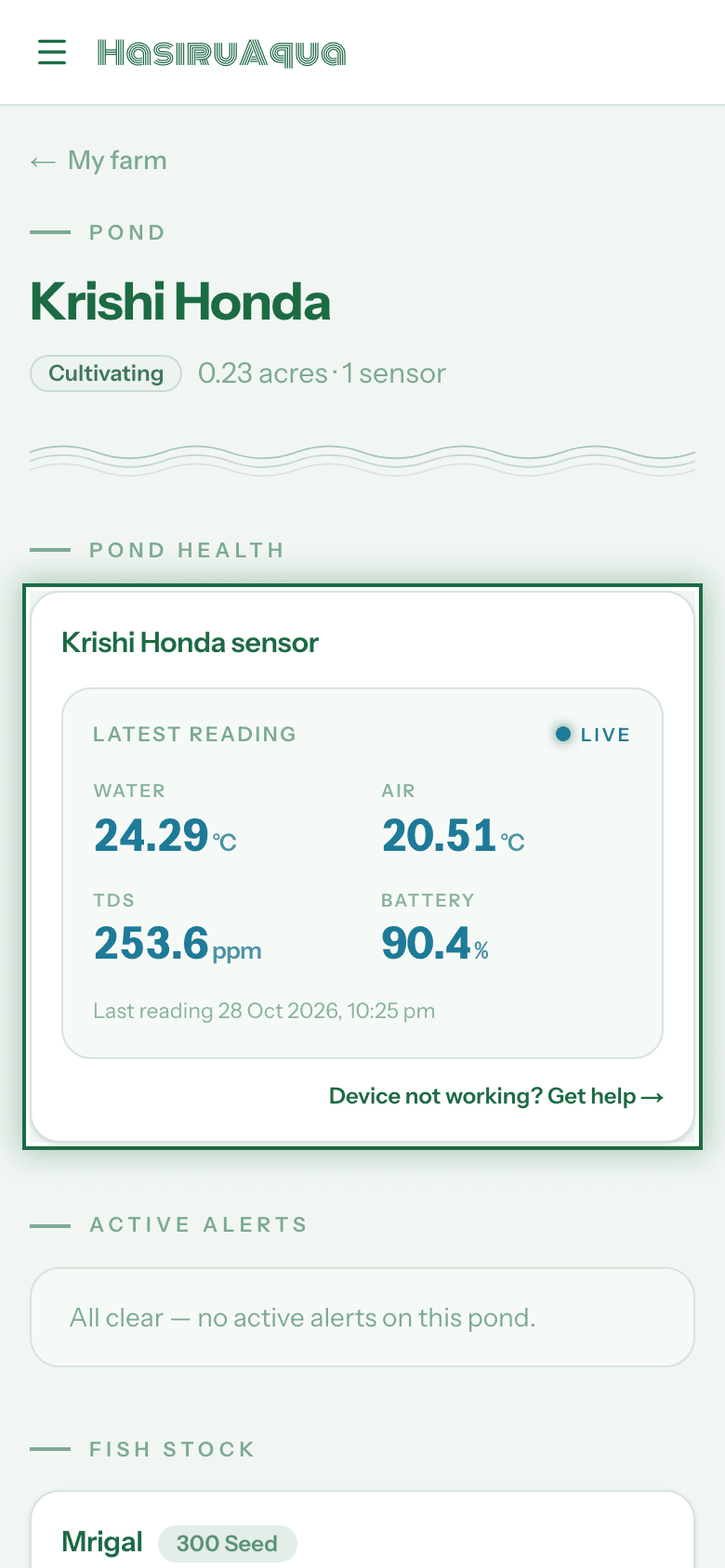
- Water: the water temperature, in °C.
- Air: the air temperature at the pond, in °C.
- TDS: how much is dissolved in the water, in ppm. A sudden change means something in the water has changed.
- Battery: how full the sensor's battery is, in %.
- A number in red is the one an alert is about.
- Last reading says when the sensor last sent a reading.
- Live means readings are coming in. Offline (and "not reporting") means none has come for over an hour and a half.
If the sensor isn't working, tap Device not working? Get help → under its reading. See the troubleshooter.
Active alerts
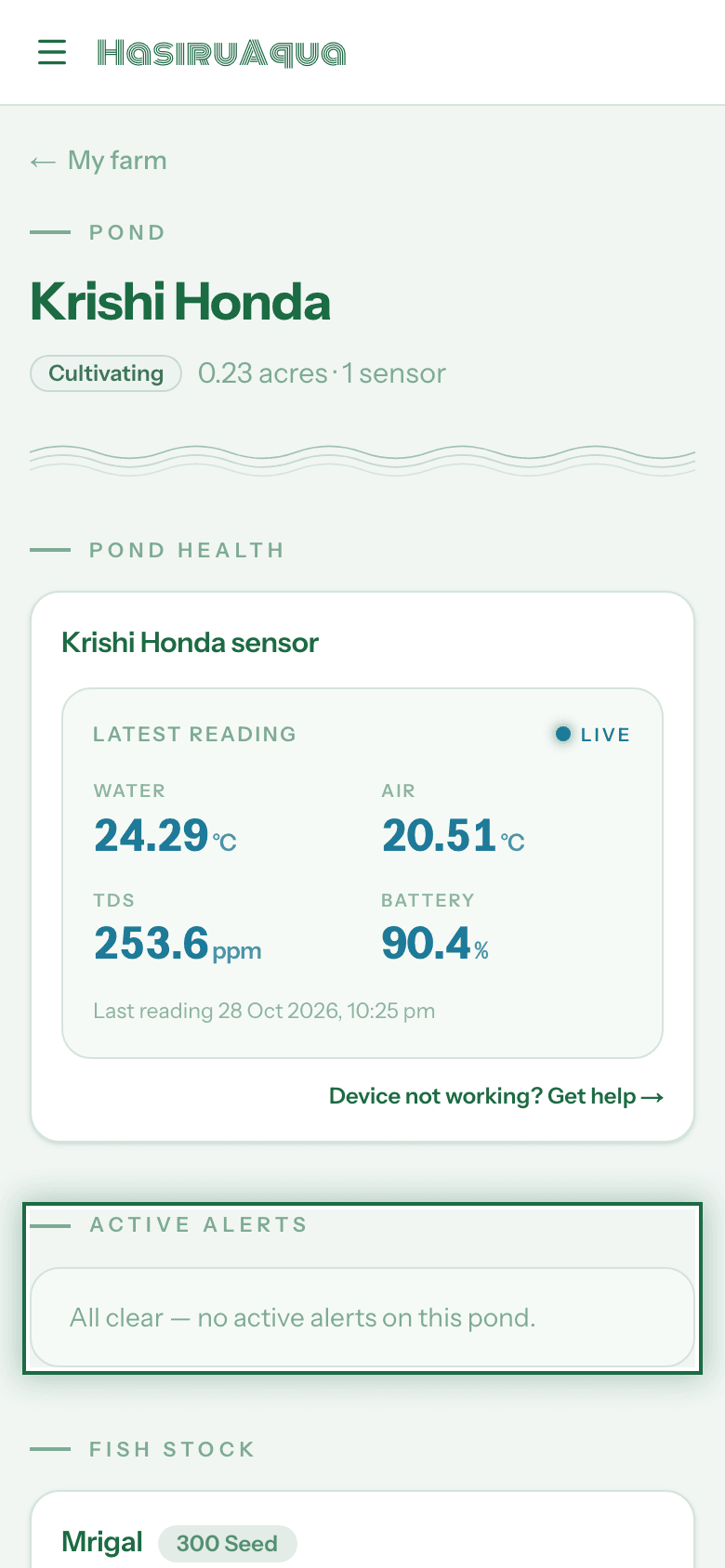
Active alerts lists anything wrong with the pond right now: how serious it is (Info, Warning or Critical), the problem in plain words, and when it started. All clear — no active alerts on this pond. means nothing needs you.
See What an alert means, and what to do.
Fish stock
Fish stock lists each kind of fish put in the pond: how many seed, the day they went in, and their average weight then. HasiruAqua adds these when the seed is stocked.
Need a hand with this pond?
Tap Get help at the bottom of the page to send HasiruAqua a request. See Ask HasiruAqua for help.
More for farmers
- Sign in to the HasiruAqua appSign in with Google, using the Gmail address you gave HasiruAqua.
- My farm, your ponds at a glanceEach pond, its latest reading, and your recent orders and requests, on one screen.
- What an alert means, and what to doWhen a reading goes past HasiruAqua's limit, the app raises an alert. Here's what each one means.
- Sensor not working? Use the troubleshooterA few quick checks on your MeenDoctru, then a request to HasiruAqua if it still isn't working.
- Ask HasiruAqua for helpSend HasiruAqua a request about a pond or your farm, and follow it until it's sorted.
- Your orders, and what each label meansFollow your seed and feed orders, pond build, MeenDoctru set-up and harvest sales from My farm.
Was this the right page? Back to help home