Sensor not working? Use the troubleshooter
A few quick checks on your MeenDoctru, then a request to HasiruAqua if it still isn't working.
The troubleshooter looks at your sensor's last reading, tells you what it thinks is wrong, and walks you through a few checks. If they don't fix it, it sends HasiruAqua a request with what you've already tried.
On My farm, tap Device not working? Get help → on the pond's card. On the pond's page, the same link is under the sensor's reading.
If the pond has more than one sensor, the app asks Which device isn't working? Tap the one giving trouble.
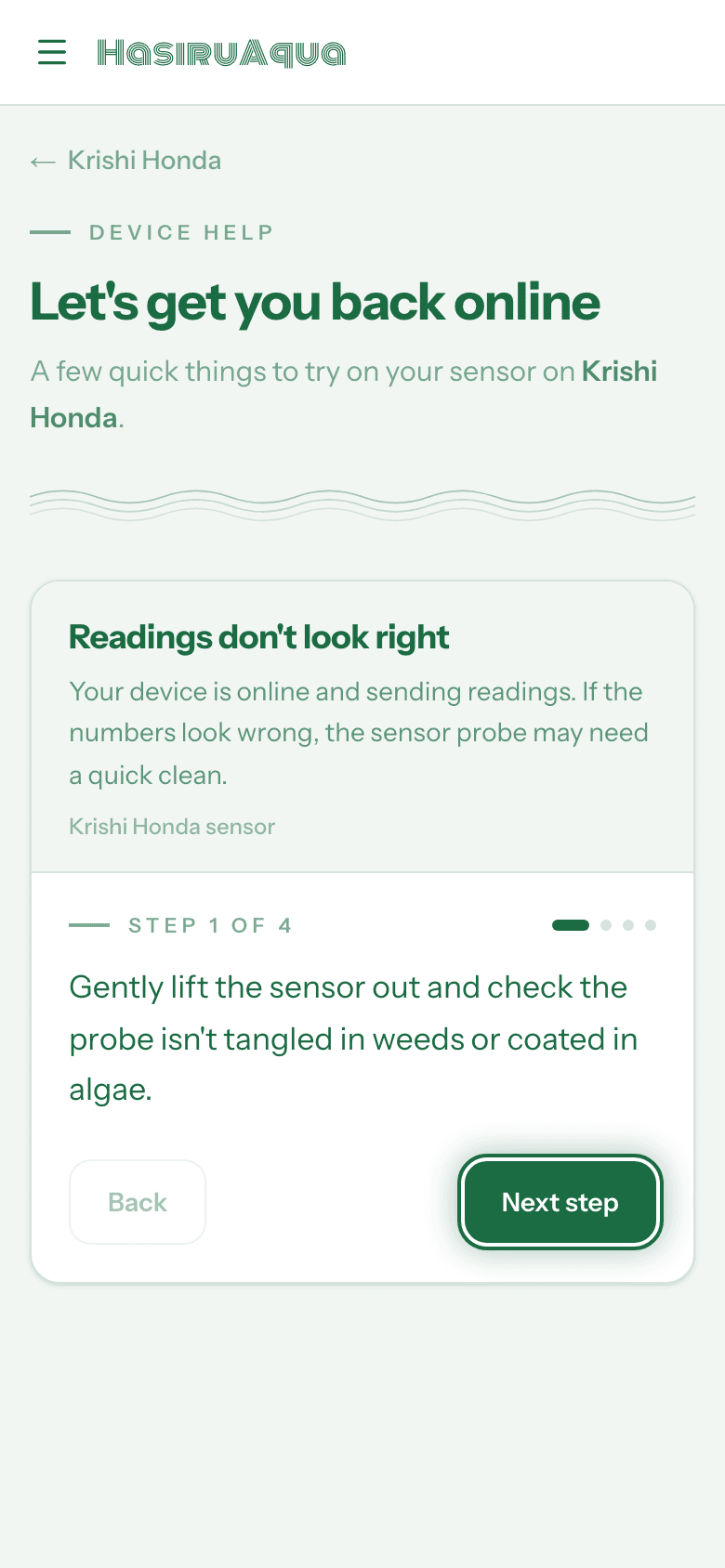
At the top, the app says what it thinks is wrong:
- Battery is low
- Device isn't sending readings
- No readings yet
- Readings don't look right
Do what the step says, then tap Next step. On the last step, tap I've done these.
The app asks Is it working now? Wait a couple of minutes, then check for a fresh reading on the pond.
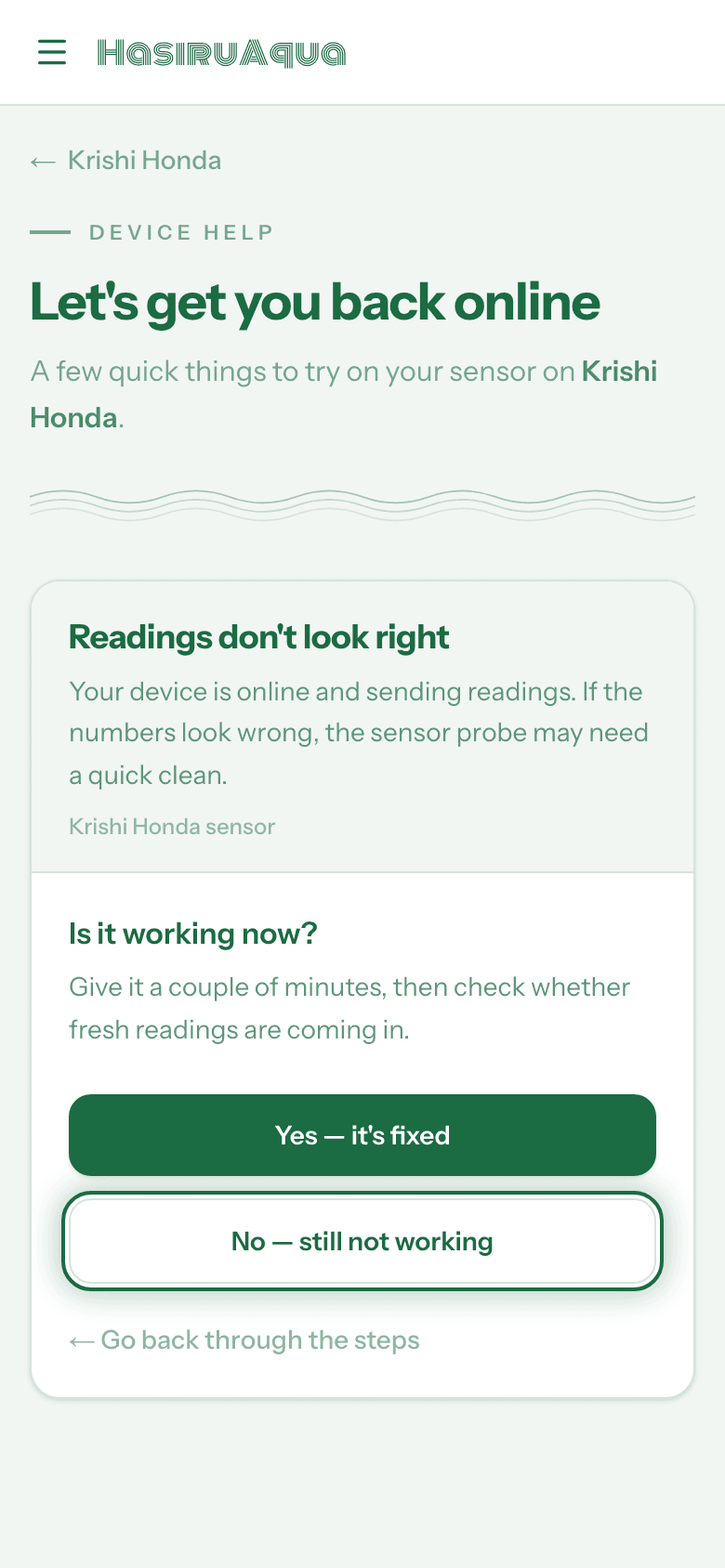
- If it is, tap Yes — it's fixed, then Back to pond.
- If it isn't, tap No — still not working.
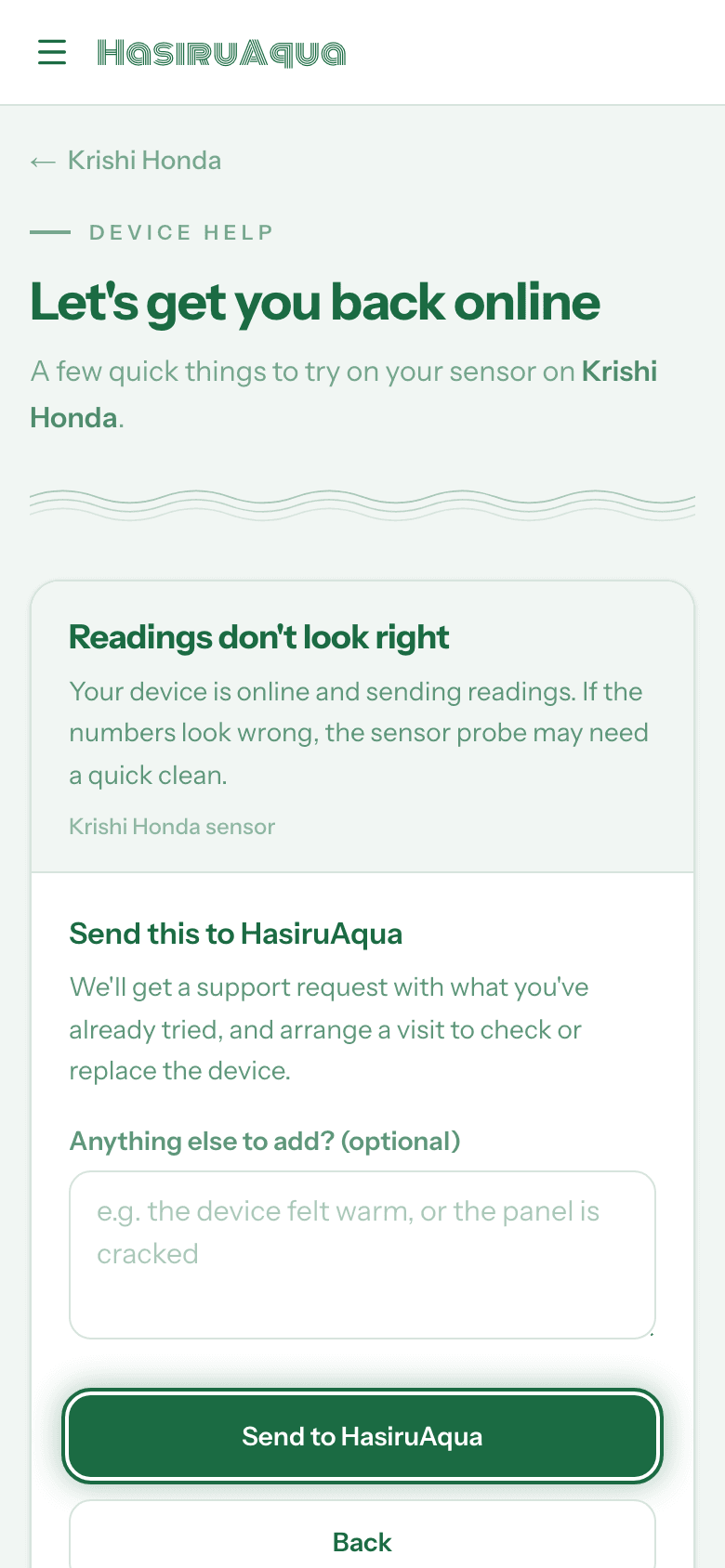
Under Anything else to add? (optional), write anything you noticed, like "the panel is cracked". Then tap Send to HasiruAqua.
The app says Request sent — HasiruAqua has been notified. Someone will call to arrange a visit. Tap View my requests to follow it.
The checks, in short
- Battery is low: wipe the solar panel clean and put it in direct sun. If you have the charging cable, plug it in. Wait a few minutes.
- Device isn't sending readings or No readings yet: check the sensor is switched on, the solar panel is in direct sun and not dusty, and the antenna is firmly in place and pointing up. Wait a few minutes.
- Readings don't look right: lift the sensor out gently and clear any weeds or algae from the probe. Rinse the probe in clean water and wipe it with a soft cloth. Lower it back so it's fully under water but not resting on the pond floor. Wait a few minutes.
If it doesn't work
- It says "Nothing to check here yet". The pond has no sensor. Tap Raise a request instead.
- Sending fails. Check your phone has internet and try again. If it still fails, call HasiruAqua.
More for farmers
- Sign in to the HasiruAqua appSign in with Google, using the Gmail address you gave HasiruAqua.
- My farm, your ponds at a glanceEach pond, its latest reading, and your recent orders and requests, on one screen.
- A pond and its sensorOpen a pond to see its MeenDoctru readings, any alerts, and the fish in it.
- What an alert means, and what to doWhen a reading goes past HasiruAqua's limit, the app raises an alert. Here's what each one means.
- Ask HasiruAqua for helpSend HasiruAqua a request about a pond or your farm, and follow it until it's sorted.
- Your orders, and what each label meansFollow your seed and feed orders, pond build, MeenDoctru set-up and harvest sales from My farm.
Was this the right page? Back to help home