Ask HasiruAqua for help
Send HasiruAqua a request about a pond or your farm, and follow it until it's sorted.
A request tells HasiruAqua you need a hand: a problem with the water, the fish, the sensor, or anything else. HasiruAqua usually gets back to you the same day.
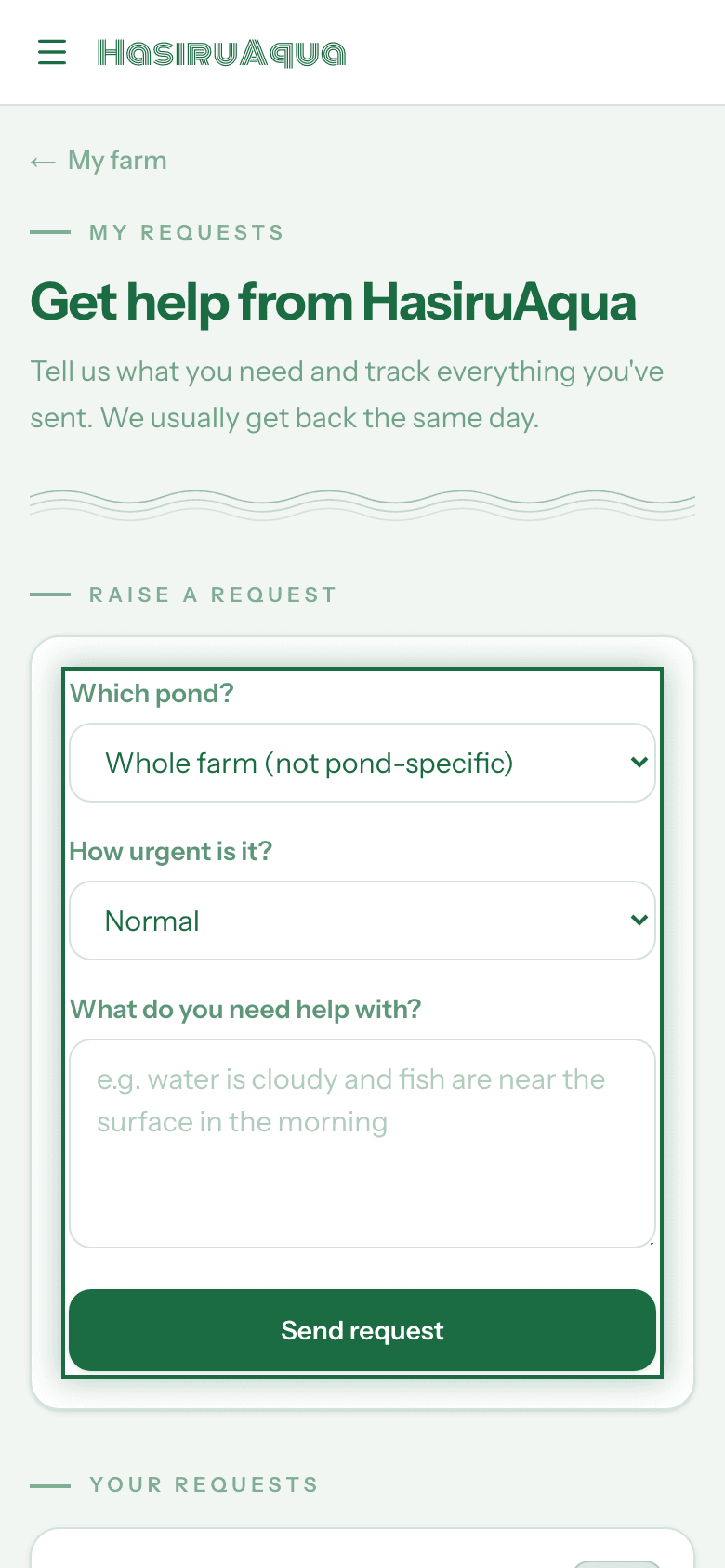
Tap Get help at the top of My farm. It's in the menu (☰) too.
Under Which pond?, pick the pond. If it's about the whole farm, leave Whole farm (not pond-specific).
Under How urgent is it?, pick Low, Normal or High.
Under What do you need help with?, say what's wrong in your own words. For example: "water is cloudy and fish are near the surface in the morning".
Tap Send request. The app says Request sent — HasiruAqua has been notified.
Follow your request
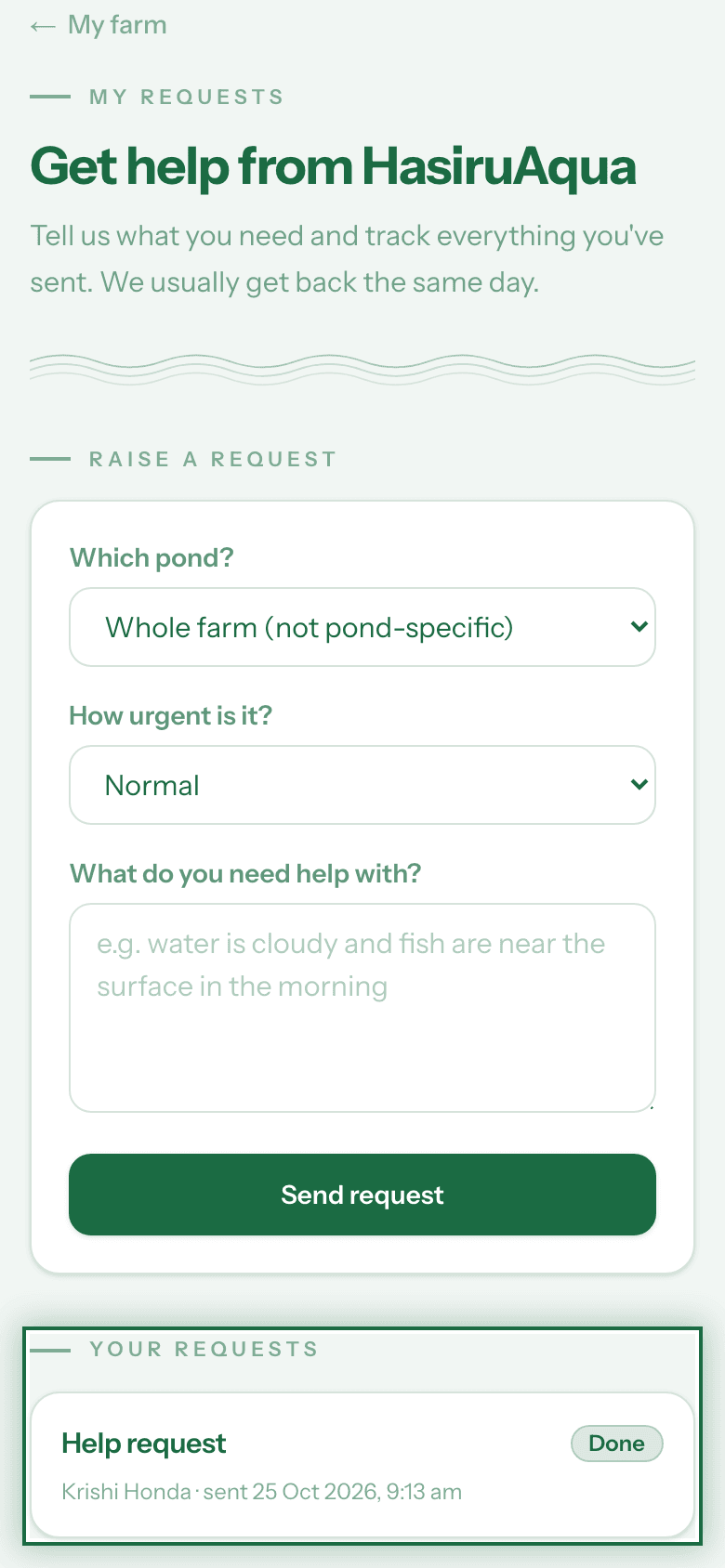
Your requests are listed under Your requests, newest first, with the pond and the day you sent each one. The label says where it is:
- Received: HasiruAqua has it.
- We're looking at it: someone is working out what's needed.
- Someone is being sent: a person is being sent to your farm.
- Being fixed: the work is under way.
- Sorted or Done: it's finished.
- On hold: it's waiting on something. HasiruAqua will tell you what.
- Cancelled: it was stopped.
Requests also show on My farm, under Recent activity. You may see a request you didn't send: a critical alert on your pond opens one by itself, so HasiruAqua can act on it.
If it doesn't work
- It says "Describe what you need help with." The box was empty. Write what you need, then tap Send request again.
- Your fish are dying, or something is urgent. Don't wait for a reply in the app. Call HasiruAqua straight away.
- It's the sensor that isn't working. Use the troubleshooter first. It sends HasiruAqua what you've already tried.
More for farmers
- Sign in to the HasiruAqua appSign in with Google, using the Gmail address you gave HasiruAqua.
- My farm, your ponds at a glanceEach pond, its latest reading, and your recent orders and requests, on one screen.
- A pond and its sensorOpen a pond to see its MeenDoctru readings, any alerts, and the fish in it.
- What an alert means, and what to doWhen a reading goes past HasiruAqua's limit, the app raises an alert. Here's what each one means.
- Sensor not working? Use the troubleshooterA few quick checks on your MeenDoctru, then a request to HasiruAqua if it still isn't working.
- Your orders, and what each label meansFollow your seed and feed orders, pond build, MeenDoctru set-up and harvest sales from My farm.
Was this the right page? Back to help home