Sign in to the HasiruAqua app
Sign in with Google, using the Gmail address you gave HasiruAqua.
You sign in with your Google account: the Gmail address you gave HasiruAqua when you joined. The app only lets in addresses HasiruAqua has added, so a different Gmail won't work.
Open os.hasiruaqua.com on your phone.
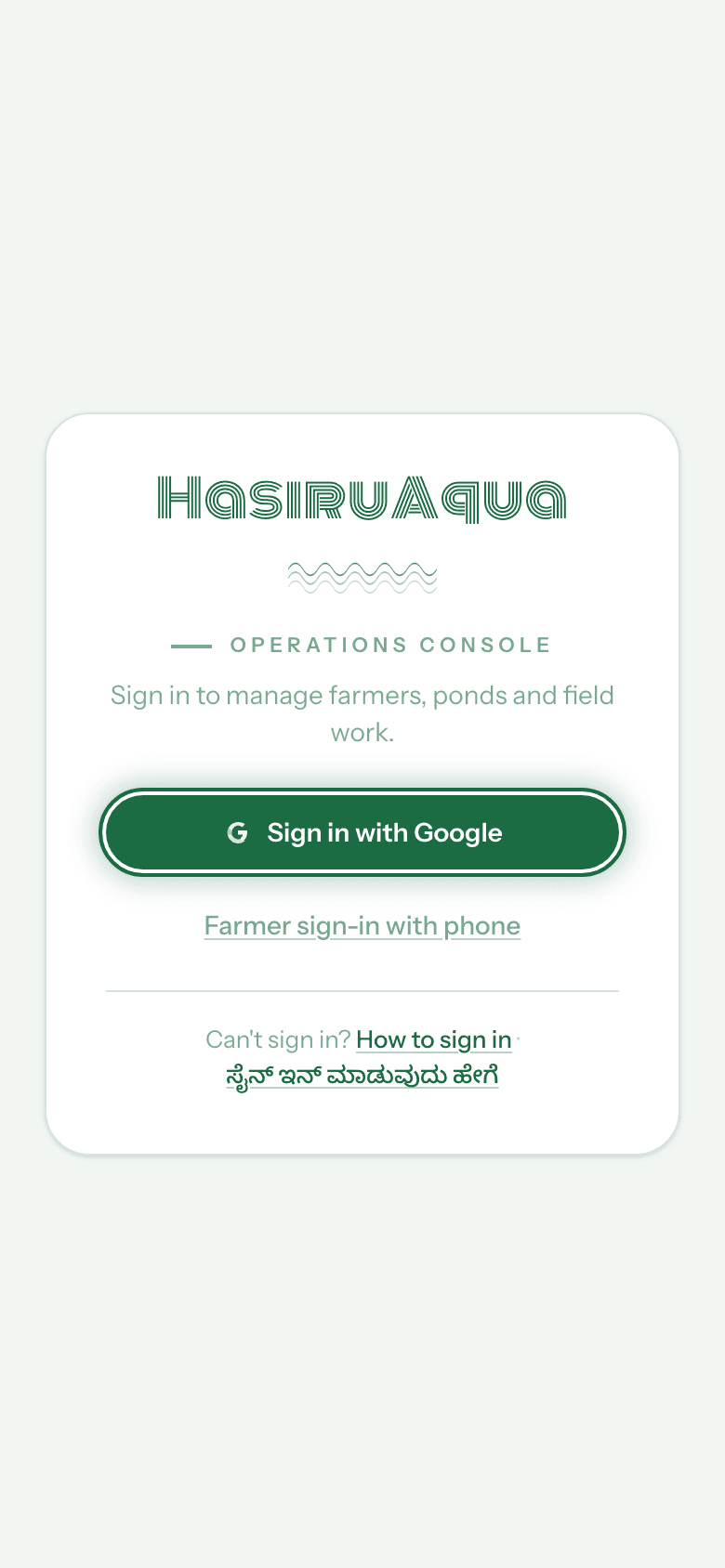
Tap Sign in with Google. The screen says "Operations console" at the top. It's the same sign-in screen for everyone, so carry on.
Pick your Gmail account. Google may say you're continuing to an address ending in supabase.co. That's the service HasiruAqua uses for sign-in, so it's safe to go on.
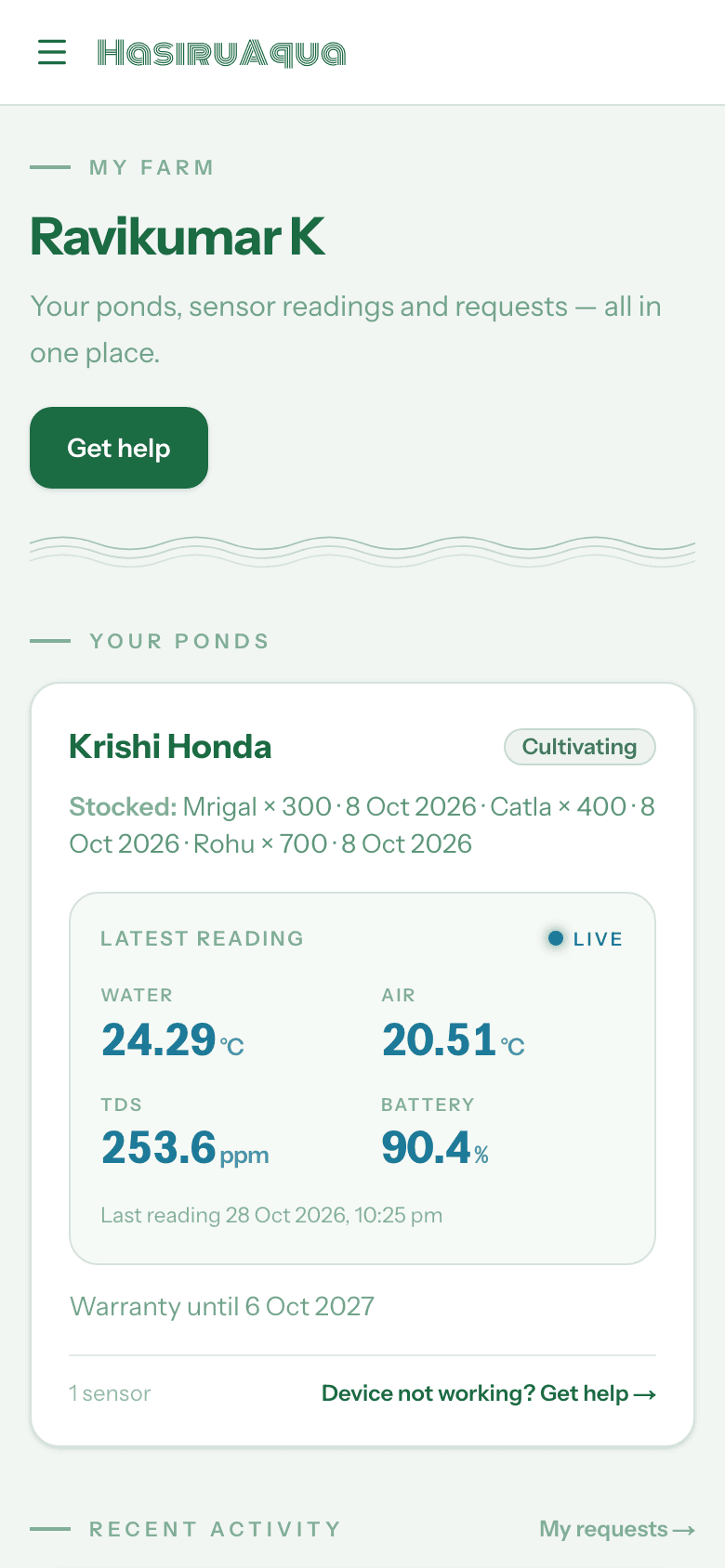
You land on My farm: your ponds, the latest readings from each pond's MeenDoctru, and what HasiruAqua is doing for you.
Signing in with a phone number isn't open yet. Use Google, even though the screen shows a Farmer sign-in with phone link.
If it doesn't work
It says "Access pending". The Gmail you used isn't on HasiruAqua's list. Call your HasiruAqua contact and tell them the exact address. Once they've added it, sign in again.
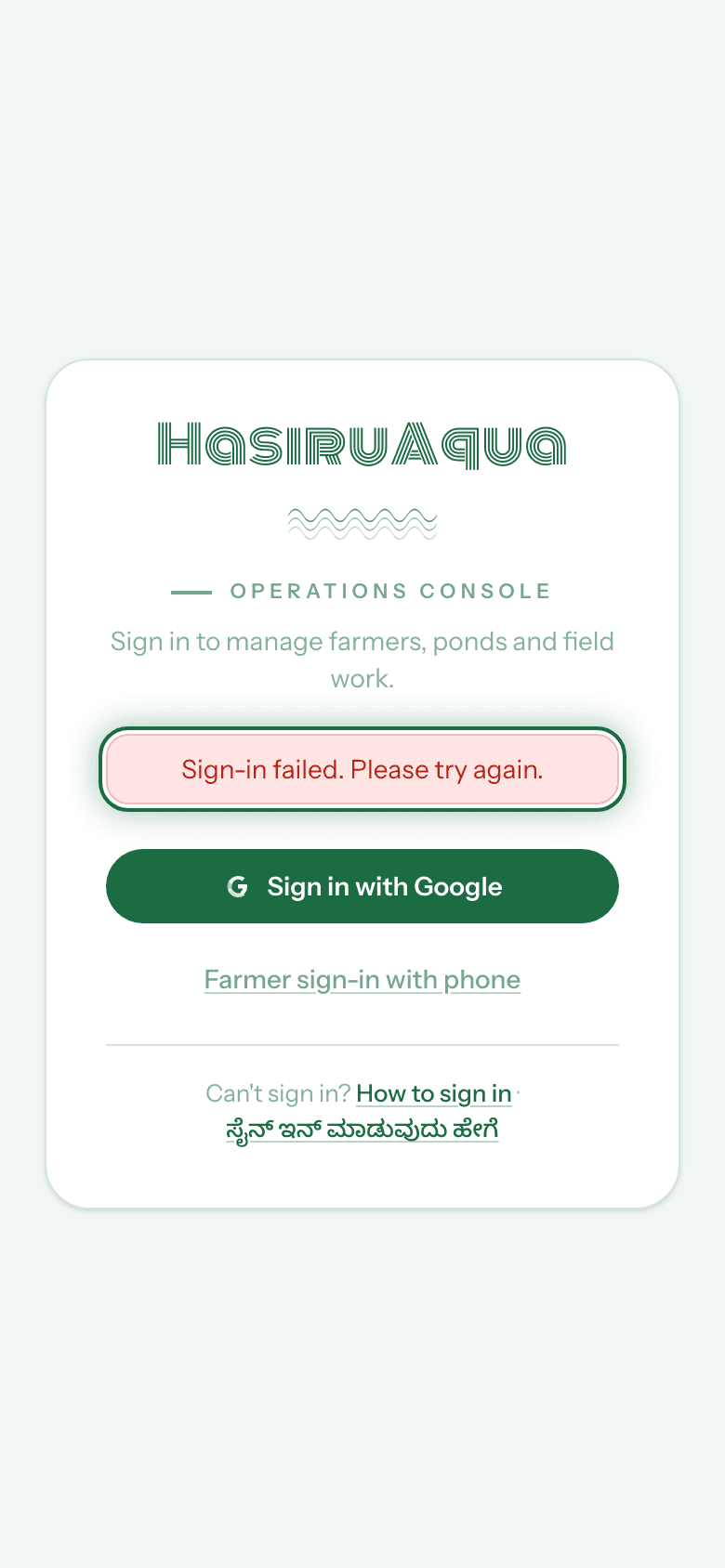
It says "Sign-in failed. Please try again." Tap Sign in with Google again. If it keeps failing, check that your phone has internet, then call HasiruAqua.
It says "Almost set up". You're signed in, but your account isn't linked to your farm yet. Call HasiruAqua and ask them to finish setting it up.
You have more than one Gmail. Pick the one you gave HasiruAqua. To change, open the menu (☰, top left), tap Sign out and sign in again.
You don't have a Gmail. Ask HasiruAqua to help you make one.
Not a farmer?
Vendors, Bandhus and buyers sign in the same way, and land on their own home screen:
More for farmers
- My farm, your ponds at a glanceEach pond, its latest reading, and your recent orders and requests, on one screen.
- A pond and its sensorOpen a pond to see its MeenDoctru readings, any alerts, and the fish in it.
- What an alert means, and what to doWhen a reading goes past HasiruAqua's limit, the app raises an alert. Here's what each one means.
- Sensor not working? Use the troubleshooterA few quick checks on your MeenDoctru, then a request to HasiruAqua if it still isn't working.
- Ask HasiruAqua for helpSend HasiruAqua a request about a pond or your farm, and follow it until it's sorted.
- Your orders, and what each label meansFollow your seed and feed orders, pond build, MeenDoctru set-up and harvest sales from My farm.
Was this the right page? Back to help home