Signing in as a vendor
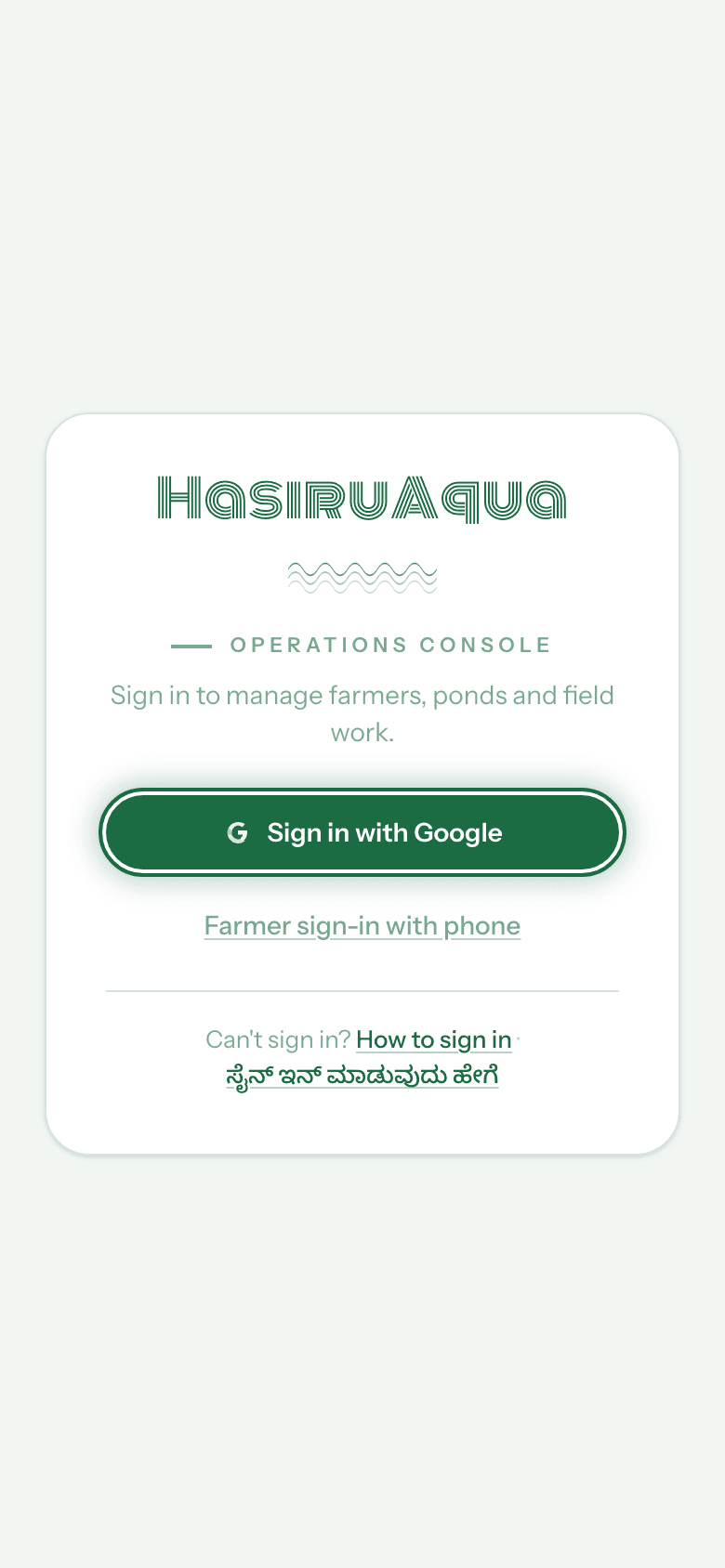
Sign in with Google, using the Gmail address you gave HasiruAqua when you joined.
For vendors
You sign in with the Gmail address you gave HasiruAqua when you joined as a vendor. The app only lets in addresses HasiruAqua has added.
Open os.hasiruaqua.com on your phone.
Tap Sign in with Google. The screen says "Operations console" at the top. It's the same sign-in screen for everyone, so carry on.
Pick your Gmail account. Google may say you're continuing to an address ending in supabase.co. That's the service HasiruAqua uses for sign-in, so it's safe to go on.
You land on My leads: the work HasiruAqua has sent you.
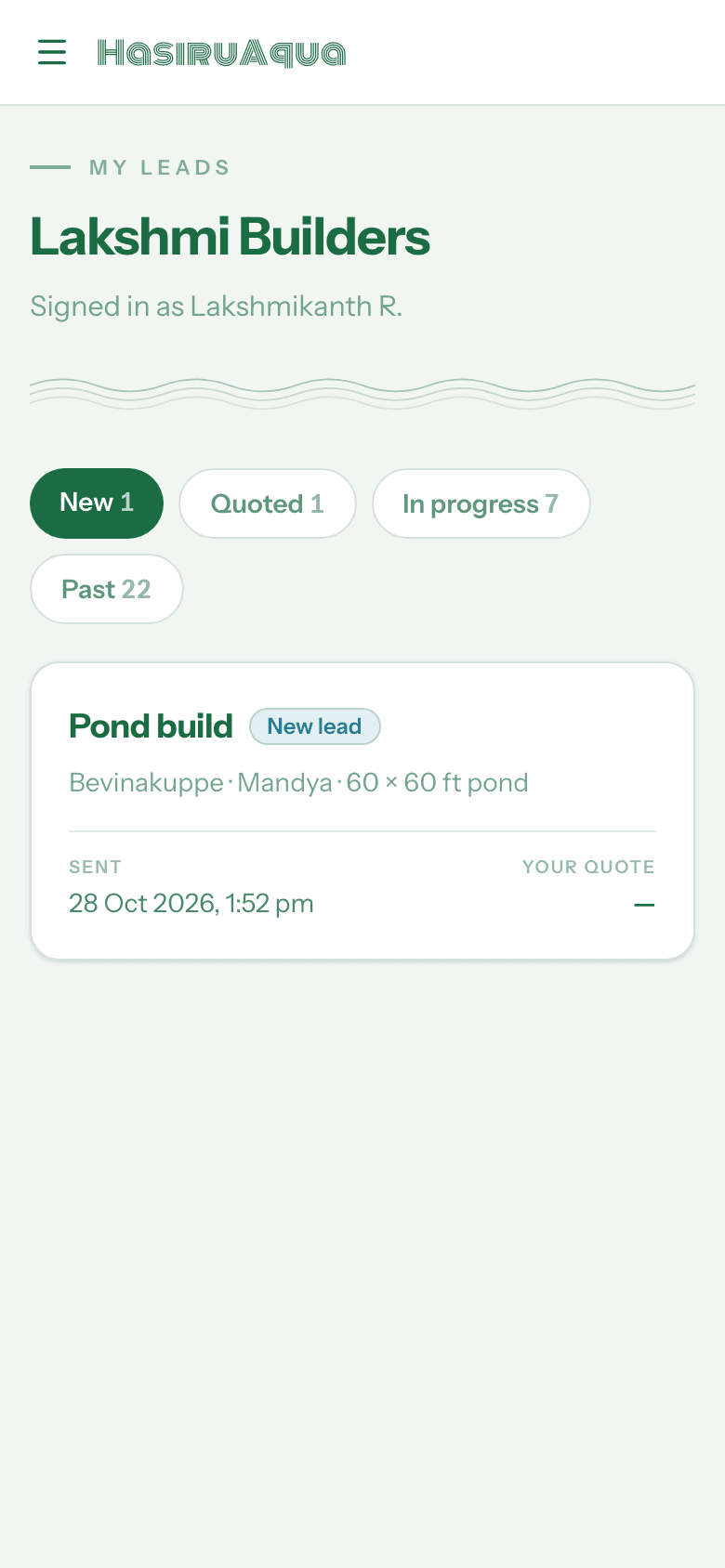
Don't use Farmer sign-in with phone. Phone sign-in isn't open yet.
If it doesn't work
- It says "Access pending". The Gmail you used isn't on HasiruAqua's list. Call your HasiruAqua contact with the exact address, then sign in again once they've added it.
- It says "Sign-in failed. Please try again." Tap Sign in with Google again. If it keeps failing, check your internet, then call HasiruAqua.
- It says "Almost set up". You're signed in, but your account isn't linked to your business yet. Call HasiruAqua.
- You have more than one Gmail. Pick the one you gave HasiruAqua. To change, open the menu (☰, top left), tap Sign out and sign in again.
More for vendors
- My leads, the work HasiruAqua sends youEvery lead HasiruAqua sends you, in four tabs, from new to finished.
- Send a quote, or pass on a leadOpen a new lead, check the work, and send HasiruAqua your price, or say you're not interested.
- After the go-ahead, record each build stepOnce HasiruAqua gives you a pond build, call the farmer, then mark each step and add photos as you go.
- A seed order after the go-aheadFor hatcheries: the farmer's details, what to supply, and photos of the delivery.
- Finish a build, from the farmer's sign-off to HasiruAqua'sThe farmer checks the pond, you upload QC photos, and HasiruAqua signs the build off.
- My profile, your business, rates and paymentKeep your business details, your rates and where HasiruAqua pays you up to date.
Was this the right page? Back to help home